
Every entry accounted for.
SentryGate is the control center for visitors, staff, guards and vehicles — with mandatory face-shot verification and live on-site tracking.
Try the demo — no database needed
This is a working frontend demo. When you check in a visitor or staff member, the face-shot is captured live from your webcam (or uploaded from your device) and saved to your browser's local storage as a base64 image — nothing is sent to a server. All visitors, staff, guards and vehicles are mock records kept locally so you can explore check-in, check-out and dashboard feeds instantly without any setup.
Everything the gate needs
One simple system for reception, security and management — built to be authoritative and easy to use.
Visitor check-in
Fast front-desk sign-in with host, company and purpose — plus mandatory face-shot capture.
Staff profiles
Every staff member has a verified profile with photo, department and badge number.
Guard roster
Track guards on duty, posts and shifts so you always know who's covering the gate.
Vehicle & lorry logging
Log cars, vans, buses and delivery lorries with driver, plate and company details.
Area & zone control
Pre-seeded factory zones with General, Restricted and High-Security access levels — assign visitors to multiple areas at check-in.
Face-shot verification
Live webcam capture for visitors and staff — no anonymous entries onto your premises.
AI computer vision
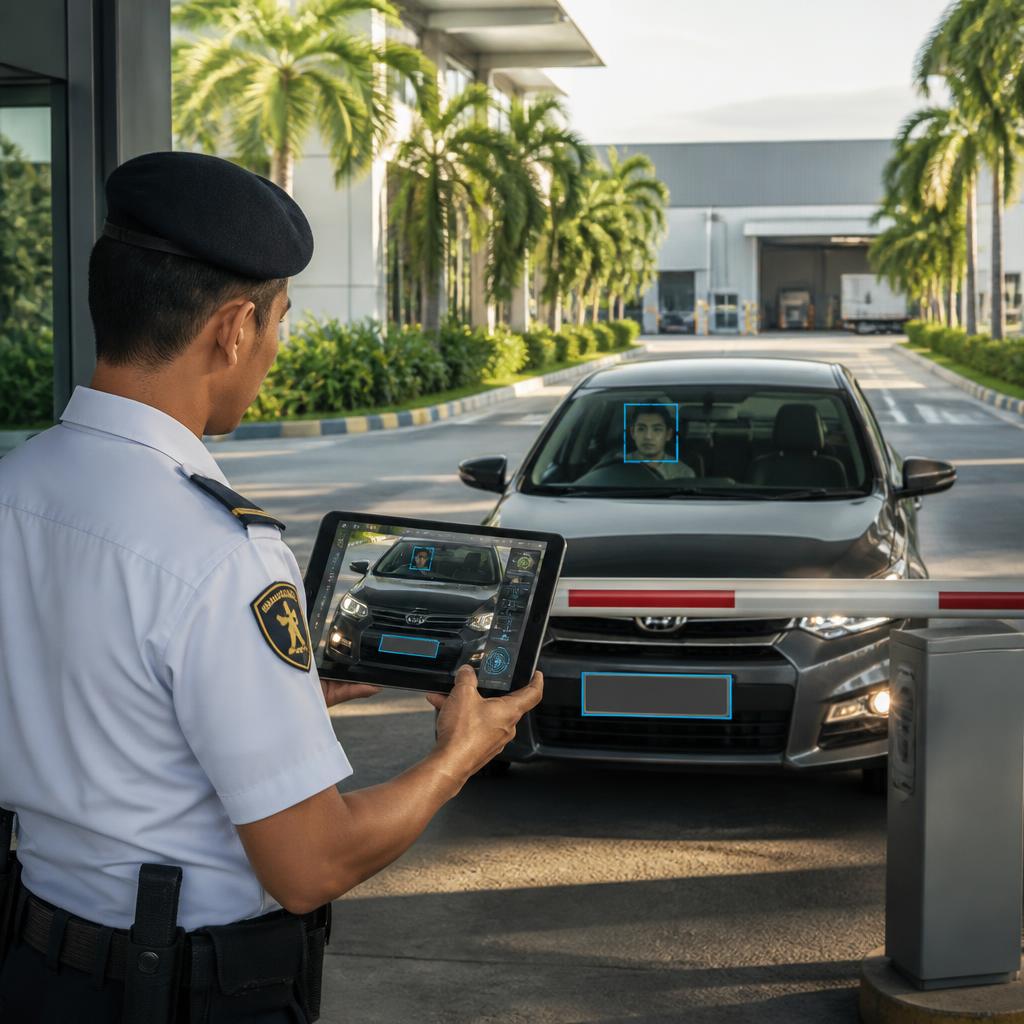
Recognise enrolled staff automatically and flag when they show up in an unregistered vehicle.
Live dashboard
See who and what is on-site right now with real-time counts and activity feeds.

It knows the face — even in a different car.
Automatic face recognition
Vehicle cross-check
Selectable detail levels
Control exactly where visitors can go.
Define the areas of your site — from the main office to the production floor, warehouse, server room or R&D lab. Admins can add their own zones on top of the pre-seeded factory areas, each with an access level. At check-in, a visitor is assigned to the specific areas they're cleared for — and they can be granted more than one.
Pre-seeded, admin-editable zones
Start with common factory areas, then create and name your own.
Three access levels
General, Restricted and High Security — each zone is clearly tagged.
Guard-escort rules
Mark sensitive zones as escort-required so guards are looped in.
AI area-access flagging
AI Vision flags when someone requests a restricted zone they need clearance for.
How it works
Three simple steps from arrival to accountability.
Arrive at the gate
Visitor or vehicle presents at reception or the guard post.
Capture & verify
Take the face shot, record details, and select the host.
Track on-site
Live dashboard shows presence until check-out or departure.
Frequently asked questions
Quick answers about the demo, privacy and how it works.
Take control of your gate
Sign in to the SentryGate console and start managing entries in minutes. Demo mode — no setup required.
Launch console